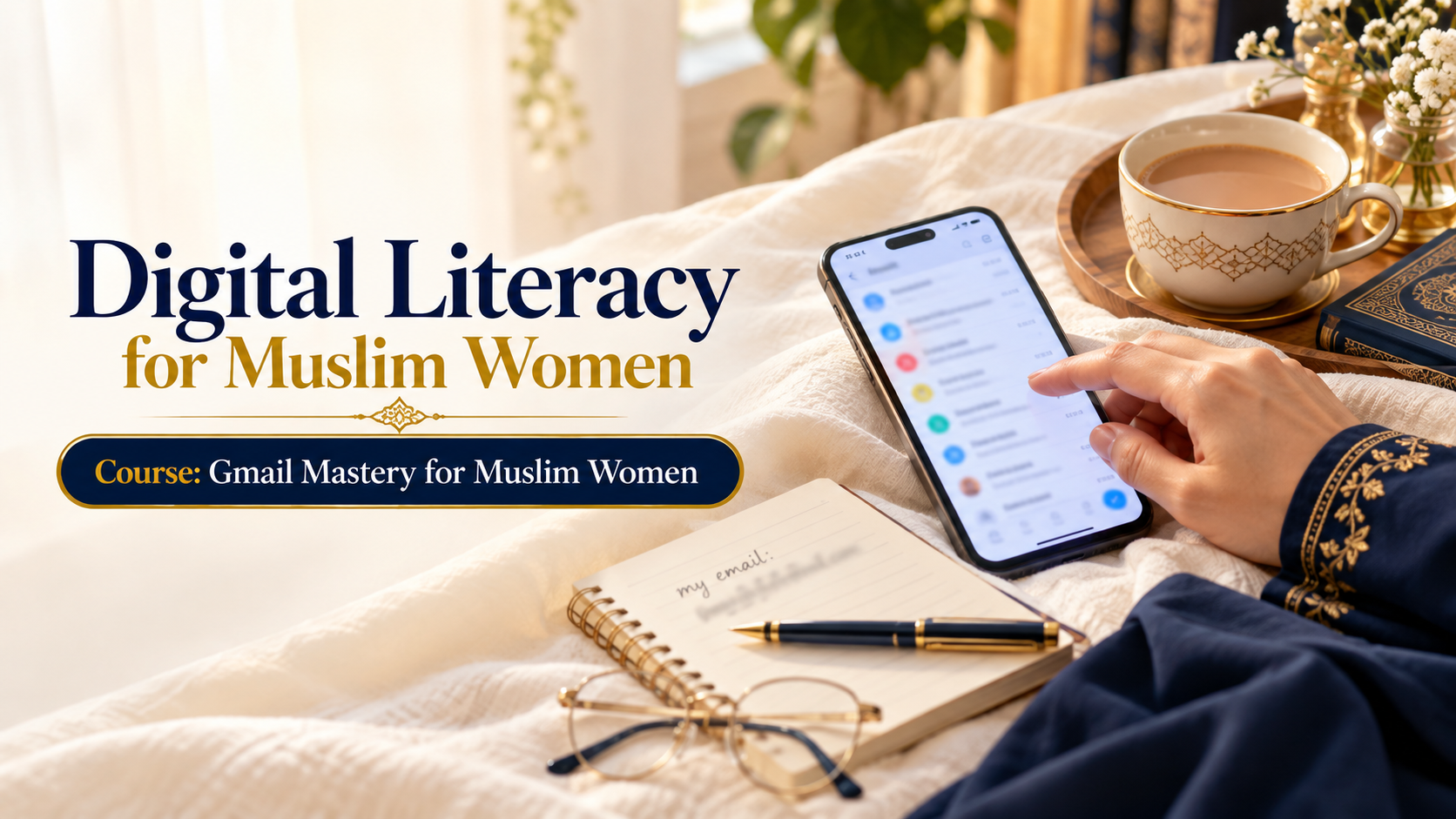
Course 4 : Gmail Mastery for Muslim Women
Wishlist Share

About Course

Learn to use Gmail with real confidence — from creating your first account to spotting a scam email on sight. Eight short lessons take you from complete beginner to safely and independently managing your own inbox, attachments, and account security, with Islamic guidance on honest, respectful communication built into every step.

  1. What Is Email and Why Do I Need Gmail? (15 min)
  2. Creating Your Gmail Account (20 min)
  3. Understanding Your Gmail Inbox (15 min)
  4. Sending Your First Email (20 min)
  5. Replying, Forwarding and Email Etiquette (15 min)
  6. Attachments — Photos and Documents (20 min)
  7. Gmail on Your Mobile Phone (15 min)
  8. Gmail Safety, Privacy and Islamic Guidelines (20 min)
Please follow and like us:
Show More

What Will You Learn?

  • Create and confidently use a Gmail account: inbox, sending, replying, attachments Turn on 2-Step Verification and recognise a scam email on sight Write a respectful, Islamically-grounded email using a clear greeting and closing format Choose a genuinely strong password that no family member's name could help someone guess Know exactly what never to forward, and why Use the Gmail mobile app confidently, including notification settings that protect focus during prayer and family time

Course Content

Module1 : What Is Email and Why Do I Need Gmail
Learn what email is, how it works, and why Gmail is a useful tool for communication, learning, work, and everyday digital life.

  • C4M01 : What Is Email and Why Do I Need Gmail

Module 2 : Creating Your Gmail Account
Learn how to create your own Gmail account, choose a secure password, and complete the basic account setup step by step.

Module 3 : Understanding Your Gmail Inbox
Explore the Gmail inbox and learn how to recognize, open, organize, search, and manage your emails with confidence.

Module 4: Sending Your First Email
Learn how to compose and send an email, enter a recipient, write a clear subject and message, and check your email before sending.

Module 5: Replying, Forwarding and Email Etiquette
Learn how to reply to and forward emails properly while practising respectful, clear, and professional email communication.

Module 6: Attachments — Photos and Documents
Learn how to safely attach, send, download, and manage photos and documents through Gmail.

Module 7: Gmail on Your Mobile Phone
Learn how to use Gmail on your smartphone, read and send messages, manage notifications, and stay connected while on the go.

Module 8: Gmail Safety, Privacy and Islamic Guidelines
Learn essential Gmail safety and privacy practices, including strong passwords, suspicious emails, phishing awareness, and responsible communication guided by Islamic values.

Student Ratings & Reviews

No Review Yet

No Review Yet
✉ aljamiatulsultania.edu@gmail.com | 📍 Global
Student Registration |
🌐 EN اردو عربي